Template Status
Every mail template has a Status field that controls whether it is available for use, similar to the approval status of regular report layouts.
| Status | Description |
|---|---|
| Draft | The mail template is still being worked on. Not available for selection. |
| Pending Approval | The mail template is awaiting review before it can be used. Not available for selection. |
| Approved | The mail template has been reviewed and can be selected as the Email Body Layout in Email Template Selection. |
| Retired | The mail template is no longer in active use, but is kept for reference. Not available for selection. |
Important
Only mail templates with the Approved status can be selected in Email Template Selection.
Changing the Status
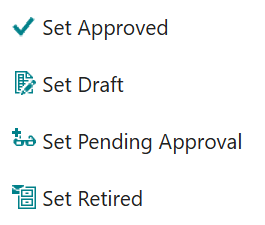
On the Document Mail Templates page, select one or more mail templates and use the Status action group to set them to Set Approved, Set Draft, Set Pending Approval or Set Retired.
The status can also be changed directly in the mail template editor, or edited inline in the Status column of the Document Mail Templates page.