Support File Analysis
Sometimes it is useful to preview or troubleshoot a mail template on a tenant that does not have the source report object available, or without needing access to real company data - for example, when sharing a problem with Apportunix support. For this purpose, Document Mail Templates supports exporting a mail template together with a matching report dataset into a single Support File (.dmts).
Exporting a Support File
-
On the Document Mail Templates page, select the mail template and invoke Support & Analysis > Export Support File.

-
Review the report and mail template information shown in the dialog, and choose the options you need.
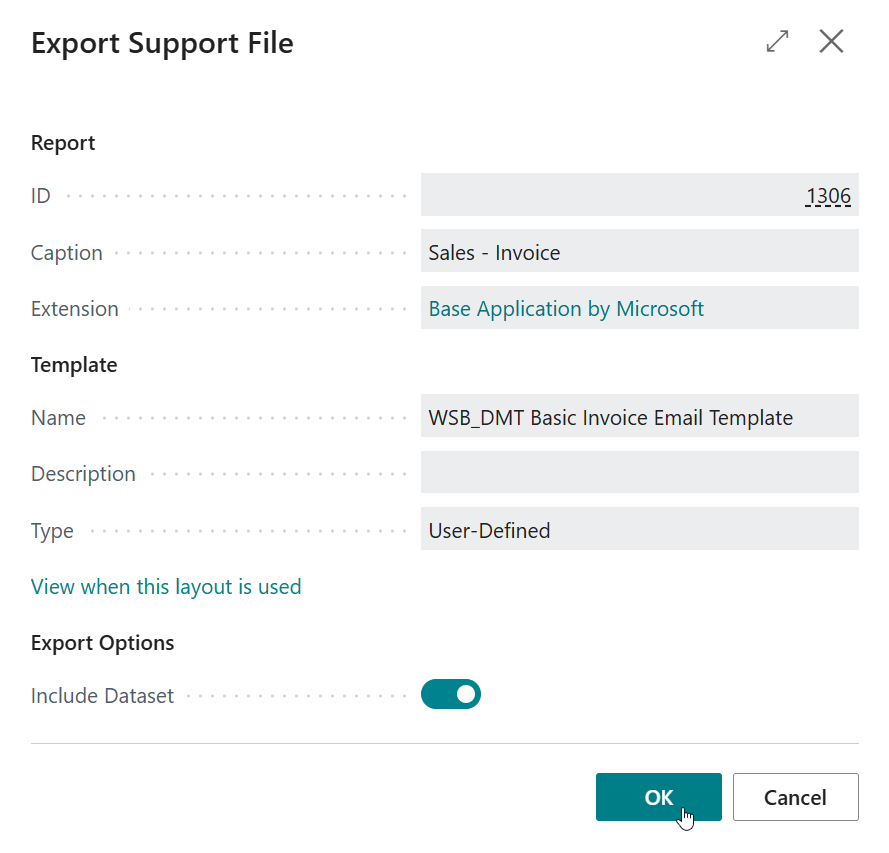
-
Complete the dialog to save the
.dmtsfile.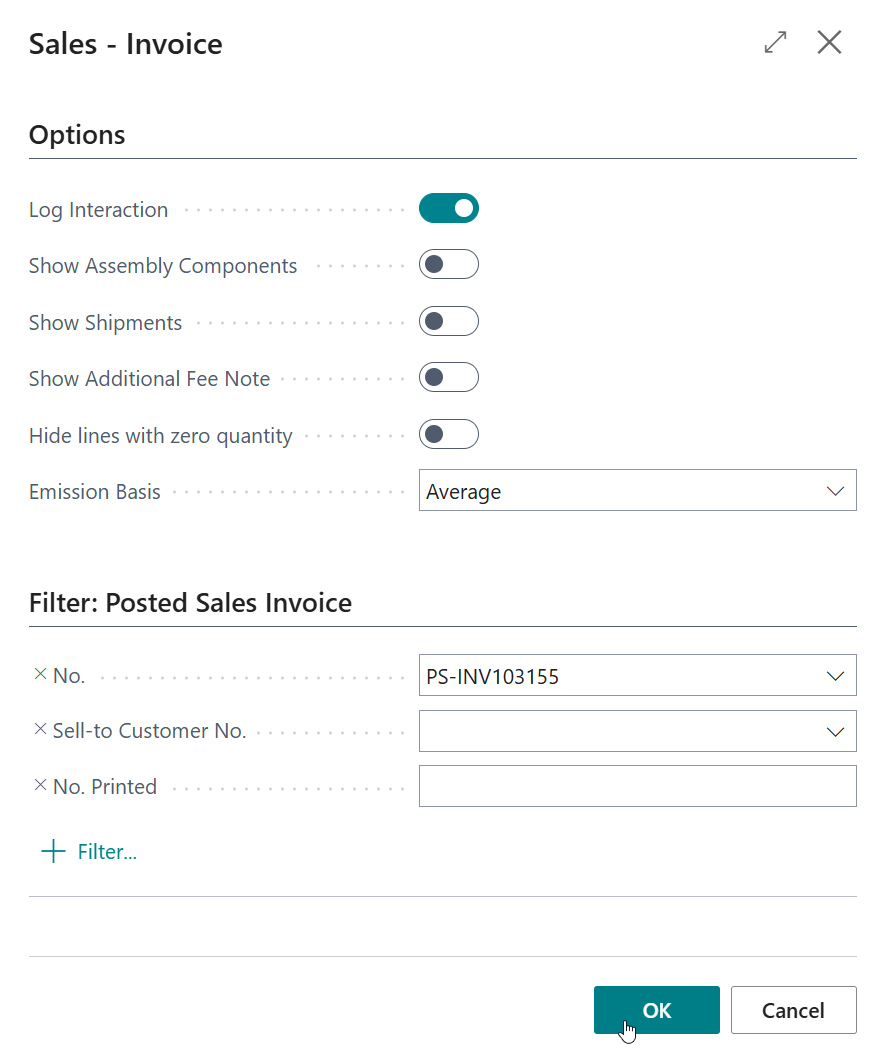
Analyzing a Support File
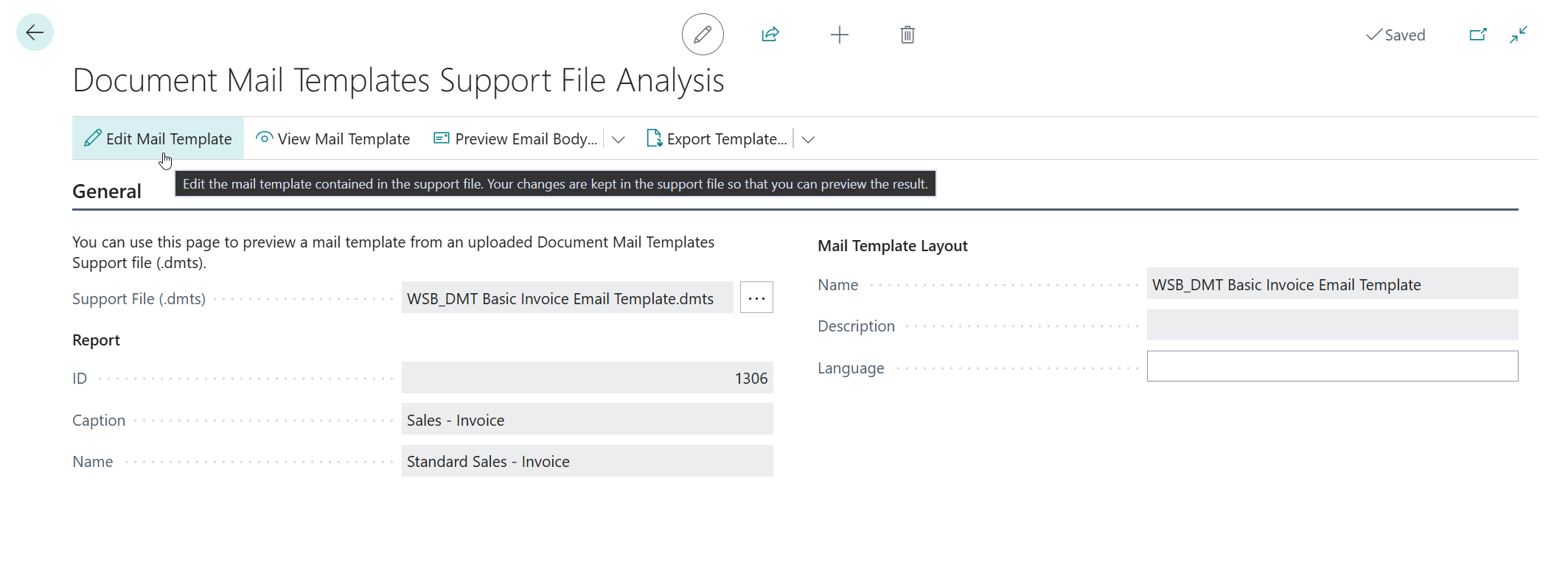
- Open the Document Mail Templates Support File Analysis page - either via Support & Analysis > Document Mail Templates Support File Analysis on the Document Mail Templates page, or by searching for it with the Tell Me search feature (Alt+Q, or click on the ‑icon in the top right corner).
- Use the Support File (.dmts) field to import the
.dmtsfile. The report and mail template information recorded in the file is shown for reference. - Optionally, specify a Language (as an ISO language tag, for example
nl-NL) to render the mail template for. Leave this field empty to use the language of the included dataset, falling back to the session language. - Use Edit Mail Template to open the mail template contained in the support file in the template editor, or use Preview or Export to HTML directly on the analysis page.
Rendering and Editing
Support file analysis renders using the included dataset and schema; it does not execute the source report. The Language field controls rendering on the analysis page. In the detached template editor, preview and HTML export use the dataset language, falling back to the session language - not the translation currently displayed in the editor.
When the support file is rebuilt after editing, the included dataset, schema and settings are preserved in memory.
The original .dmts file on disk is not changed.