Export & Import
Mail templates can be shared between companies and environments - for example, to move a mail template from a test to a production environment, or to send a template to a colleague or to Apportunix support.
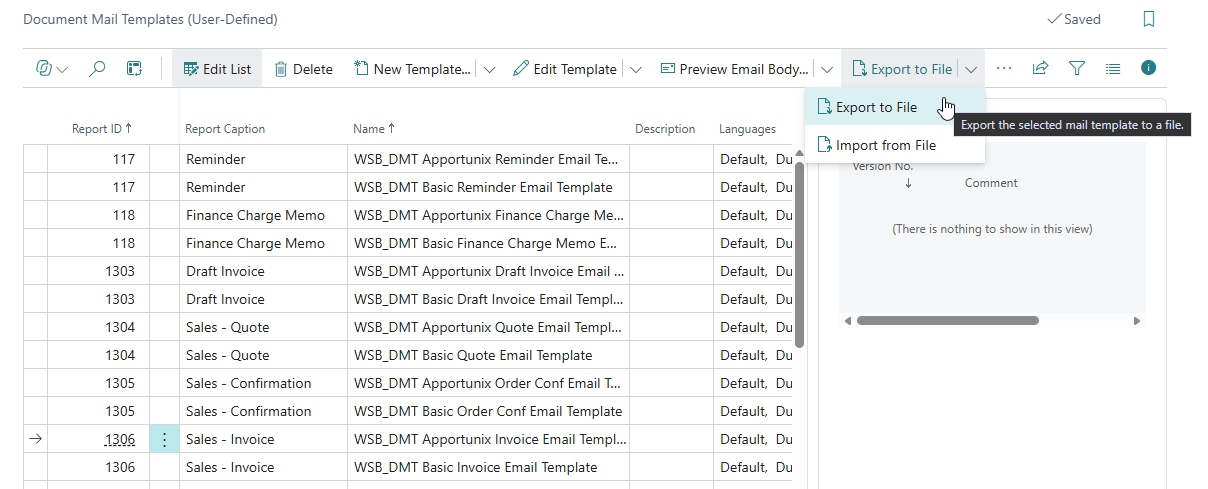
Use the following actions on the Document Mail Templates page to work with a single mail template at a time:
- Export to File - Exports the selected mail template to a
.dmtfile. - Import from File - Imports a
.dmtfile into the selected mail template, replacing its contents. A new version of the mail template is kept in the archive, so you can always go back if needed.
Tip
To export or import several mail templates at once, use a Template Package instead.